

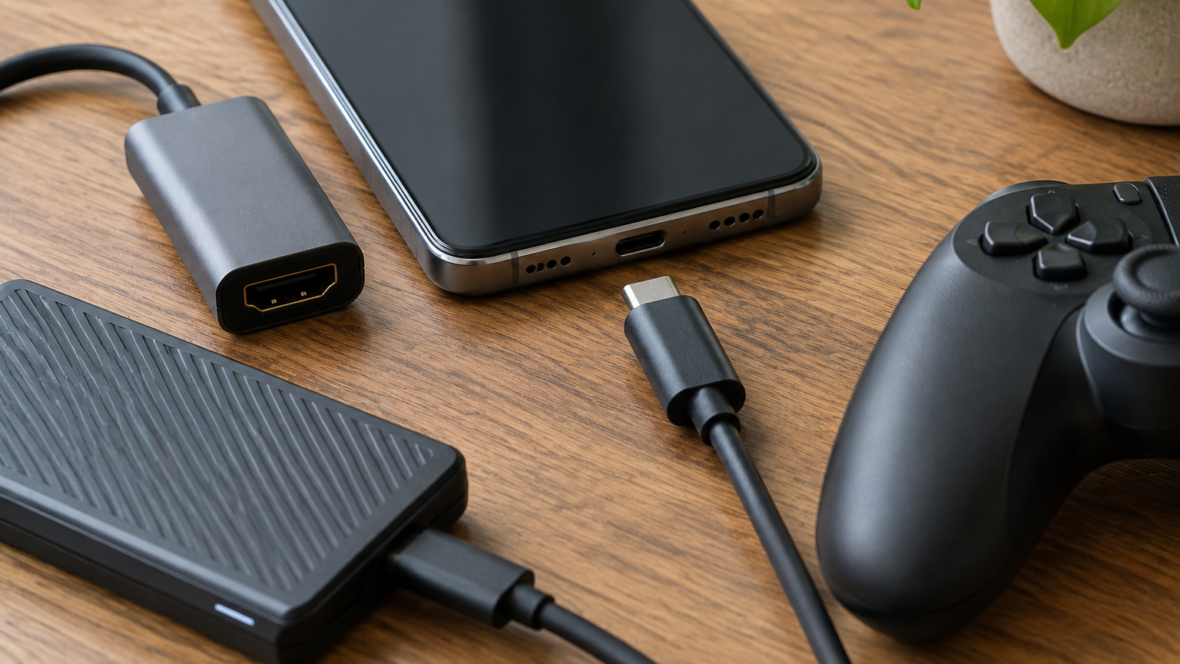
According to Google, USB‑C in modern Android smartphones can be used for more than charging. With the right accessories, a phone can replace some laptop functions, become a portable gaming console, or output an image to a larger screen.
Connecting to a monitor and desktop mode
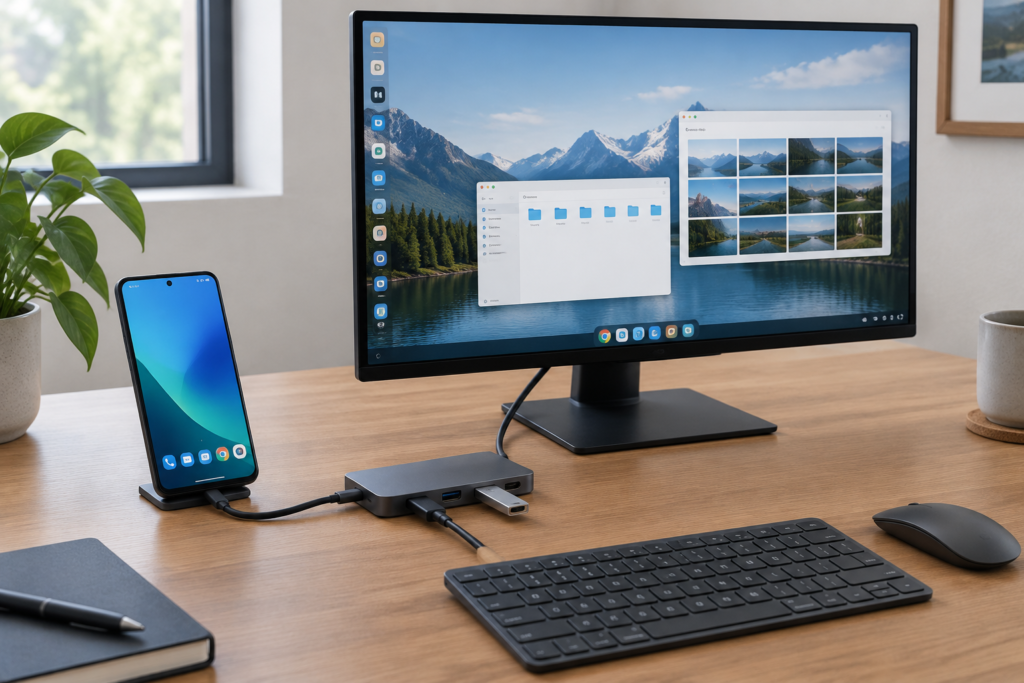
A modern Android smartphone, when connected to a monitor, can operate in modes similar to a desktop. For example, Samsung phones support DeX — an interface with app windows, and in Android 16 Google is developing a desktop mode with multiple windows and a taskbar.
To set up such a workspace you use a USB‑C hub to connect a monitor, keyboard, mouse and charging, or a portable dock with a screen and keyboard (a lapdock). To output video you need a USB‑C–to–HDMI adapter, and the phone must support transmission of a video signal over USB‑C.
External SSDs and card readers
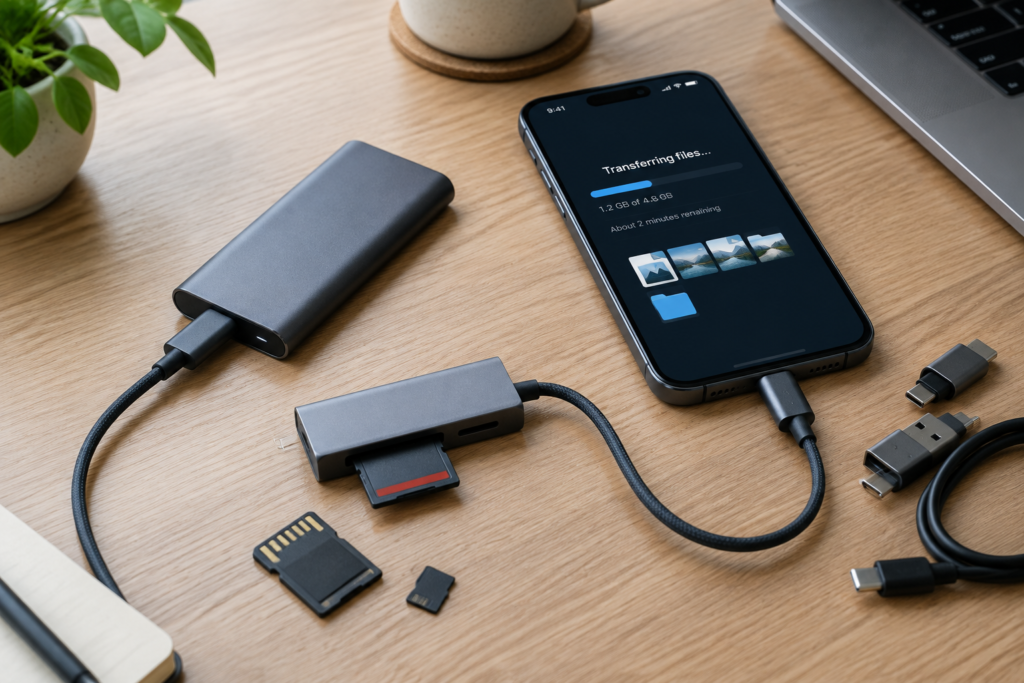
An external SSD or card reader connected via USB‑C lets you expand a phone’s storage and transfer files without a computer. This is convenient for photographers and action‑camera owners who copy material directly to their phone.
When choosing a drive it’s important to consider data transfer speed: some phones and accessories support up to 10 Gbit/s, though in practice 5 Gbit/s is more common. For copying tens of gigabytes of 4K video, the difference can be noticeable.
Gaming and connecting to a television
Playing is more comfortable with a controller that attaches to the sides of the smartphone via USB‑C; examples include the Backbone One and the Razer Kishi V3. Such controllers provide a different feel compared with Bluetooth gamepads.
To present slides or show videos you can connect a phone to a TV via a USB‑C–to–HDMI adapter if the device supports video output. Alternatively, many TVs support Google Cast, and compatible Samsung phones can use DeX; a wired connection remains useful when wireless casting is unstable.