




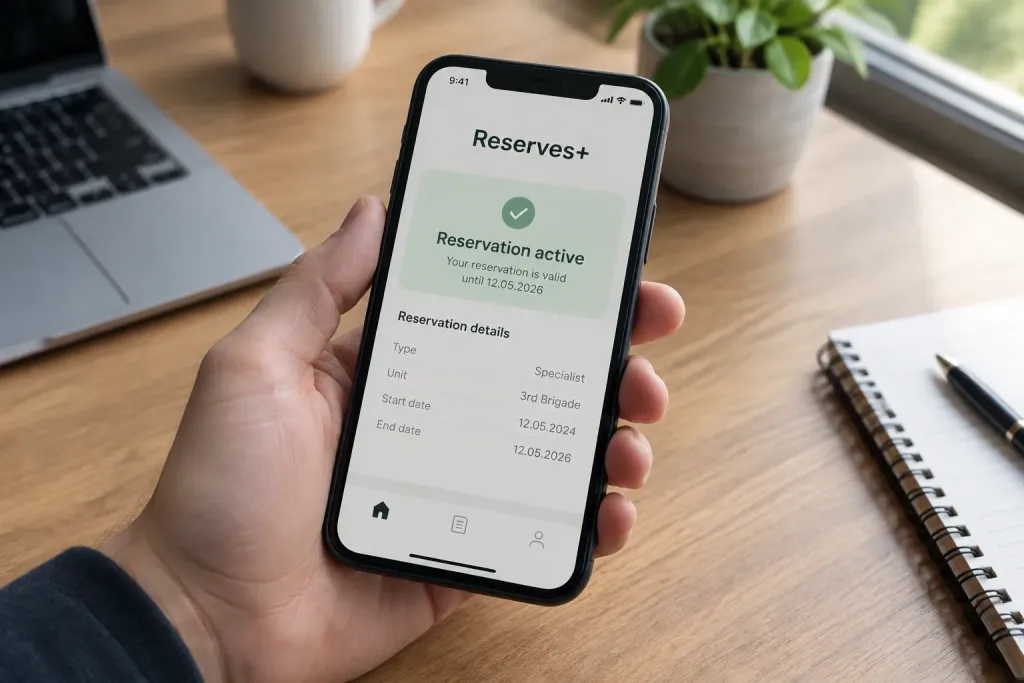
The Zakarpattia Territorial Centre for Recruitment and Social Support (TCCRS) explains how an employee can check whether their employer has registered a reservation via the Diia portal, stressing that verbal assurances from management are not enough. For confirmation, they recommend using the ‘Rezerv+’ app.
How the employer registers a reservation
Reservations are made by the employer through the Diia portal. Usually the employee must be in an employment relationship with an enterprise that has been designated as critical to be eligible for a reservation.
There is an exception for certain enterprises in the defence-industrial complex and those deemed critical to meeting the needs of the Armed Forces of Ukraine (AFU): such employees can be temporarily reserved for up to 45 days even if there are violations in their military registration.
Employee requirements for a reservation
An employee’s military registration details must be properly documented. As a general rule, breaches of military registration may prevent a reservation, so the status in ‘Rezerv+’ should be checked personally.

Confirmation in the app allows you to ensure that the procedure is complete and not limited to verbal confirmations from management.
How deferments are checked and extended in ‘Rezerv+’
You can also check the current status and validity period of a deferment via ‘Rezerv+’. The system automatically reconciles the grounds for deferment with state registers, and if all required data are present there, over 90% of deferments can be extended without a new application or submission of documents.
If automatic extension has not occurred, you should check whether the ground for the deferment remains valid and whether the information in the registers is up to date. If necessary, you can resubmit a request through ‘Rezerv+’ or contact the Centre for the Provision of Administrative Services (CPAS) with documents confirming the right to a deferment.