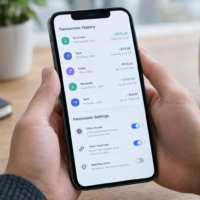



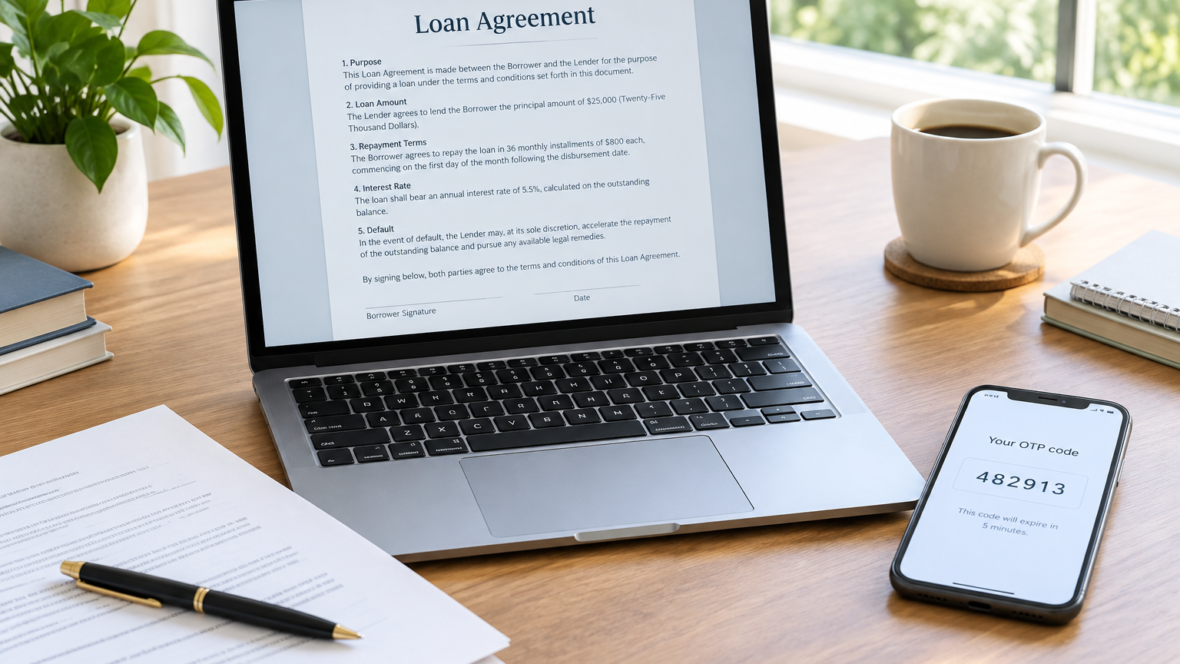
Starfin explained that, when taking out a loan, a one-time code can serve different purposes: confirming login to an account, confirming a specific action, or signing a document. The mere receipt of a short message service (SMS) message does not mean that a loan agreement has already been concluded.
Three purposes of a one-time code
The code can confirm login to an account and thus verify access to the specified phone number. The login page may also include accompanying consents that should be read at the same time.
Another purpose is to confirm a specific action, for example giving consent to the processing of personal data; such consent has a specific content and is not equivalent to an automatic agreement to the terms of the loan. The third purpose is signing a document, functioning as an electronic signature within the established procedure.
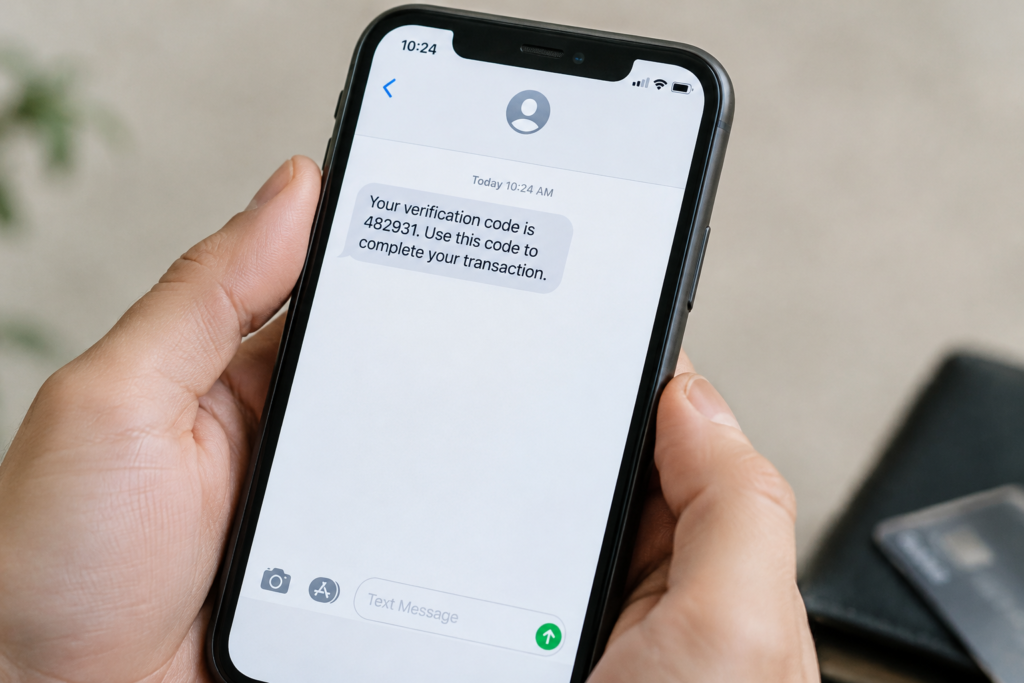
Articles 11−12 of the Law of Ukraine “On Electronic Commerce” provide for signing with a one-time identifier. A contract concluded and signed in the prescribed manner is legally equivalent to a written contract.
Document title and stages of applying for a loan
The consumer credit passport allows you to familiarise yourself with the terms and compare offers, while the credit agreement defines the parties’ obligations. Confirming that you have read the passport does not replace agreeing to the agreement.
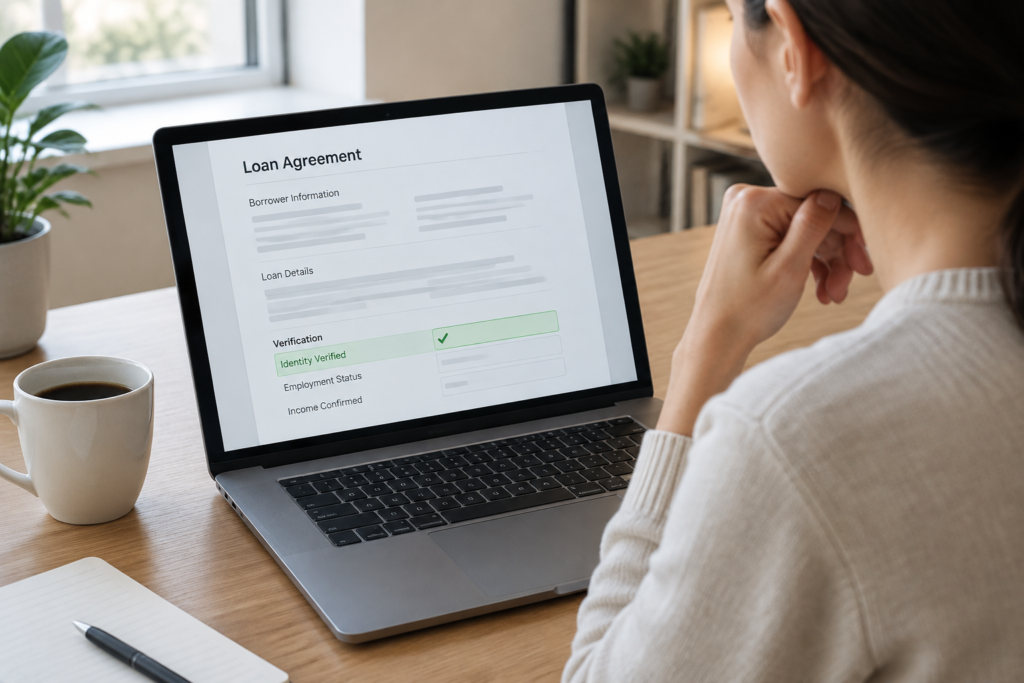
At Starfin, confirmation of the phone number and the signing of documents belong to different stages of loan processing. Before signing, the client has access to the credit product passport and the agreement; their contents should be checked even if the application form has already been completed and the application approved.
What to check and what to do if there are problems with the code
Before entering the code, read the explanation next to the input field and the documents referred to by the confirmation, and verify the amount, term, interest, fees, the annual percentage rate and the repayment schedule. If the field only has a “Confirm” button without an explanation of the consequences, you should clarify with customer support exactly what is being confirmed.
If an SMS does not arrive or the page freezes, you can consult the article about logging in to Starfin and SMS problems. After regaining access, check the purpose of the new code; if the page froze after entering the code, clarify the status with the lender and save the signed documents. Do not tell or forward codes to anyone.